▶
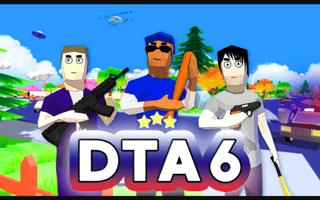
Play Now DTA 6
action ⭐ 4.7
Play DTA 6 online free. action game, no download required, instant play.
Play Closed City free online, right in your browser — no download and no sign-up required. It's part of our action games collection, ready to play instantly on desktop, tablet, or phone.
Move with the arrow keys or WASD, jump with spacebar, and aim or shoot with your mouse. Grab power-ups and take down enemies to push forward.
| Genre | action |
|---|---|
| Controls | Keyboard (WASD / arrow keys) + Mouse |
| Players | Single Player |
| Platform | Web Browser (Desktop & Mobile) |
| Tags | action, landscape |
| Released | Apr 14, 2026 |
| Plays | 13,851 |
Enjoyed Closed City? Browse our full action games collection for more hand-picked picks you can play free, no download.
Yes — Closed City is 100% free. No download and no sign-up are required; it loads and plays instantly in your browser right here on MiniGamesHub.
Absolutely. Closed City runs in any modern web browser, so it works on desktop, laptop, Chromebook, and mobile (iOS and Android) with no app to install.
No. Closed City is a browser game — it starts in one click with no download, plugin, or installation.
Closed City is a action game. Move with the arrow keys or WASD, jump with spacebar, and aim or shoot with your mouse. Grab power-ups and take down enemies to push forward. Controls: Keyboard (WASD / arrow keys) + Mouse.